

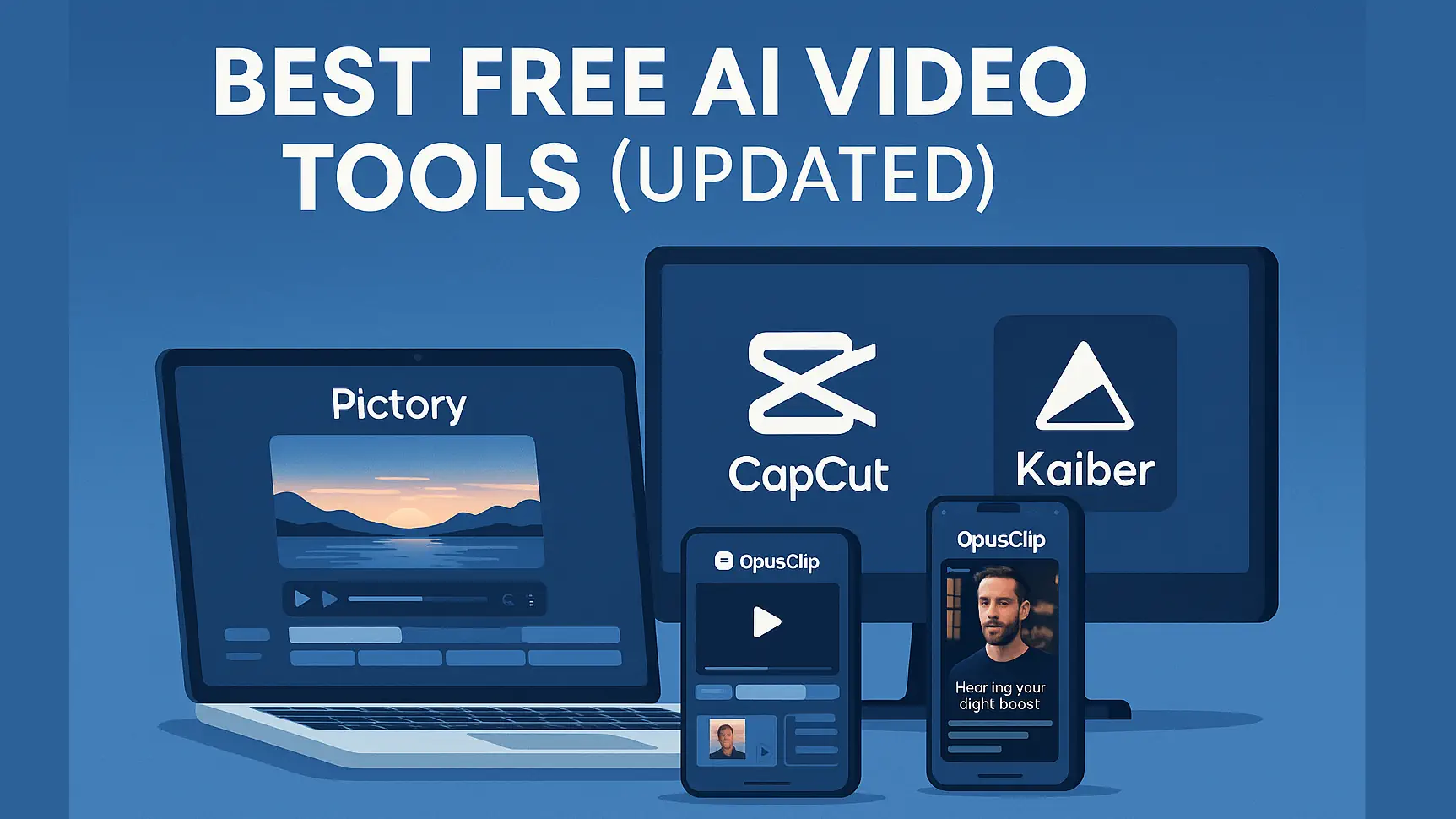
Best Free AI Video Tools (Updated)
Discover the top free AI video editors, generators, and automation tools that let you create professional videos without paying a cent. Perfect for YouTubers, marketers, and creators testing before upgrading.
This guide may contain affiliate links. If you sign up through them, we may earn a commission at no extra cost to you.
Overview
These free AI video tools cover everything from text-to-video generation and automatic captioning to editing assistance and short-form automation.
While many have paid tiers, their free plans are surprisingly capable—great for learning, experimenting, or running small projects.
If you’re ready to compare both free and paid options, also see our main guide:
Best AI Video Tools.
Quick Links to Try These Tools
Want to test them yourself? Start with the free tiers below.
Top Free AI Video Tools
| Tool | Free Tier Highlights | Best For |
|---|---|---|
| Pictory | 3 free projects/month, script-to-video, auto captions | Blog-to-video and social clips |
| Runway | Free credits for text-to-video and AI editing tools | Creative motion effects, AI cutouts |
| OpusClip | Limited exports, viral-moment detection, captions | Auto shorts for YouTube, Reels, TikTok |
| CapCut | Completely free desktop and web editors | Manual editing with AI assist |
| Kaiber | Free trial with basic text-to-video generation | Stylized visuals and motion loops |
Quick Recommendations
Limitations of Free Plans
Free AI tools usually include watermarks, export limits, or fewer templates.
They’re great for testing workflows or producing short content, but you’ll eventually want a paid plan for:
- Removing watermarks and increasing export quality
- Higher monthly export limits
- Brand kits, custom fonts, and logo lockups
- Team collaboration and asset libraries
- Clear commercial usage rights
Try These Tools
Start experimenting with free AI video editors today and see which workflow fits your channel or brand.
When you’re ready to compare all the major options (free and paid), check the full roundup:
Best AI Video Tools.
Frequently Asked Questions
Are free AI video tools really free?
Yes, but most free plans come with trade-offs like watermarks, lower resolution, or limited exports per month.
They’re ideal for testing workflows or producing a small volume of content before upgrading.
Which free AI video editor is best for YouTube?
For short-form YouTube Shorts, OpusClip is a strong pick.
For script-to-video explainers, Pictory works well.
If you prefer manual editing with AI assist, CapCut is hard to beat for a completely free tool.
Can I use free AI video tools for commercial projects?
It depends on the tool. Many allow commercial use on free plans but still apply watermarks or caps.
Always check each platform’s terms of service and licensing before using free exports in client work or paid campaigns.
What’s the catch with free AI video tools?
The “catch” is usually limits: time caps, watermarks, queue priority, or fewer style options.
Free tiers are designed to give you a feel for the workflow and push heavy users toward paid plans.
When should I upgrade to a paid plan?
Upgrade once you’re publishing consistently and hitting the free tier’s limits—
especially if watermarks or export caps are slowing you down.
At that point, the time saved usually justifies the monthly cost.
Editorial Note:
Some links may be affiliate links that support the site at no extra cost to you.
We only recommend tools we actually test and use in production workflows.